RapidAPI users can call the VerifyAtlas email intelligence endpoint through the RapidAPI gateway. This is useful when your project already manages API subscriptions, quotas, billing, and key access from RapidAPI.
Open the VerifyAtlas RapidAPI product page to subscribe, manage access, and copy your RapidAPI key.
The RapidAPI integration uses RapidAPI authentication headers instead of the first-party VerifyAtlas authorization header. Keep your RapidAPI key server-side and call the API from your backend, signup service, or edge function.
Endpoint
Send a POST request to the RapidAPI endpoint and pass the email address as the email query parameter.
POST https://disposable-and-temporary-email-detector1.p.rapidapi.com/v1/email/intelligence?email=fake-user%40mailinator.com
Headers
RapidAPI requires both your RapidAPI key and the RapidAPI host header for routing.
Accept: application/json
Content-Type: application/json
X-RapidAPI-Key: YOUR_RAPIDAPI_KEY
X-RapidAPI-Host: disposable-and-temporary-email-detector1.p.rapidapi.com
Example request
curl --request POST \
  --url "https://disposable-and-temporary-email-detector1.p.rapidapi.com/v1/email/intelligence?email=fake-user%40mailinator.com" \
  --header "Accept: application/json" \
  --header "Content-Type: application/json" \
  --header "X-RapidAPI-Key: YOUR_RAPIDAPI_KEY" \
  --header "X-RapidAPI-Host: disposable-and-temporary-email-detector1.p.rapidapi.com" \
  --data "{}"
Example response
{
  "valid_input": true,
  "input": "fake-user@mailinator.com",
  "disposable_email": true,
  "confidence_level": 100,
  "corporate_mail": false,
  "verdict_reason": "popular_temporary_email_provider",
  "popular_email_provider": false,
  "provider_name": "www.mailinator.com",
  "plus_alias": false,
  "role": false,
  "role_type": null
}
Response fields
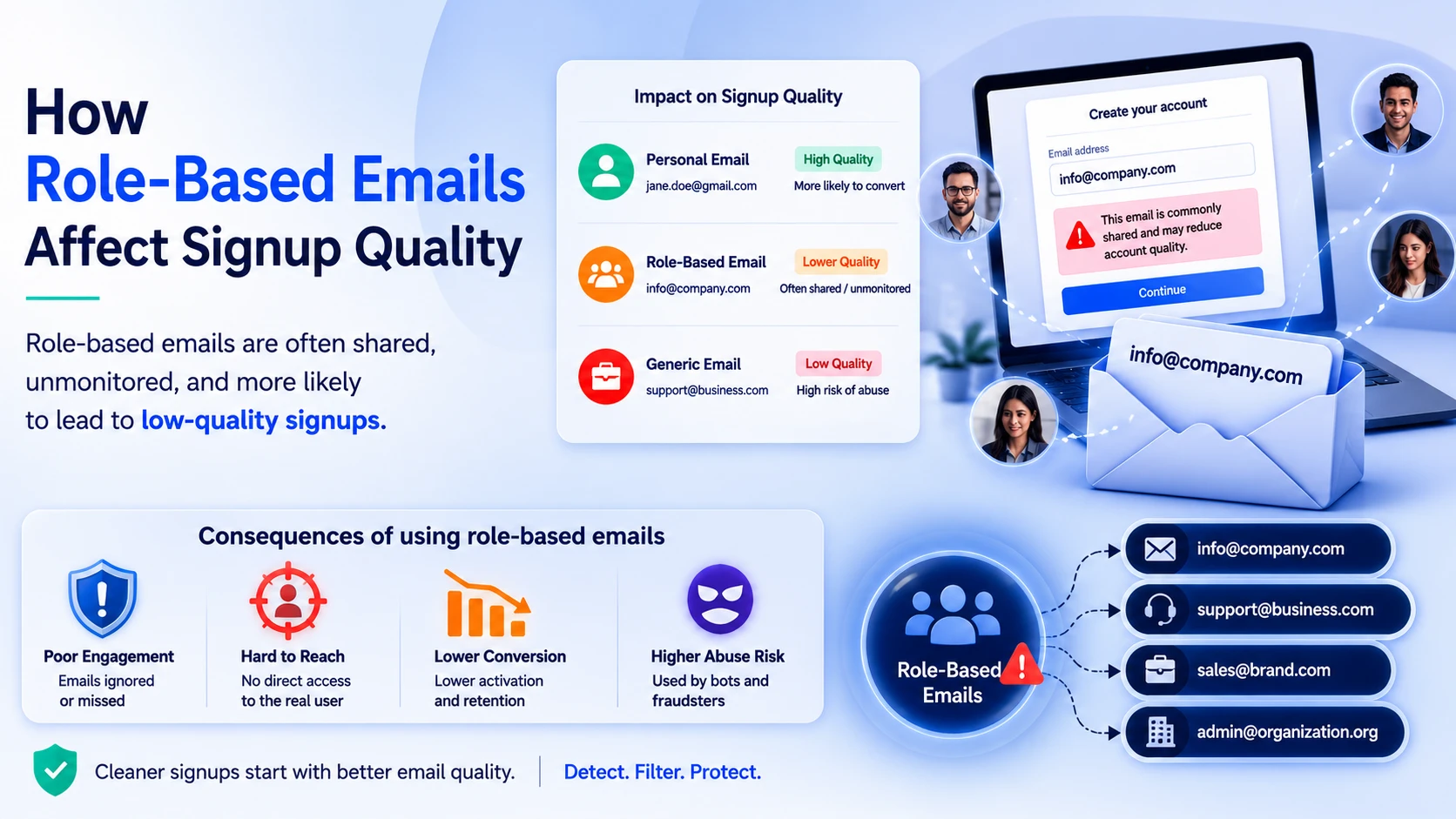
The RapidAPI response uses the same email intelligence fields as VerifyAtlas: input validity, disposable email status, confidence level, corporate mail status, provider name, plus alias status, role mailbox status, and role type when available.